Measure floor apertures and work on the right floor
Preview a measured floor opening, see the same hole in plan and 3D, and deduct its actual area from flooring estimates. Create floors with explicit design elevations.
Work with real walls and floors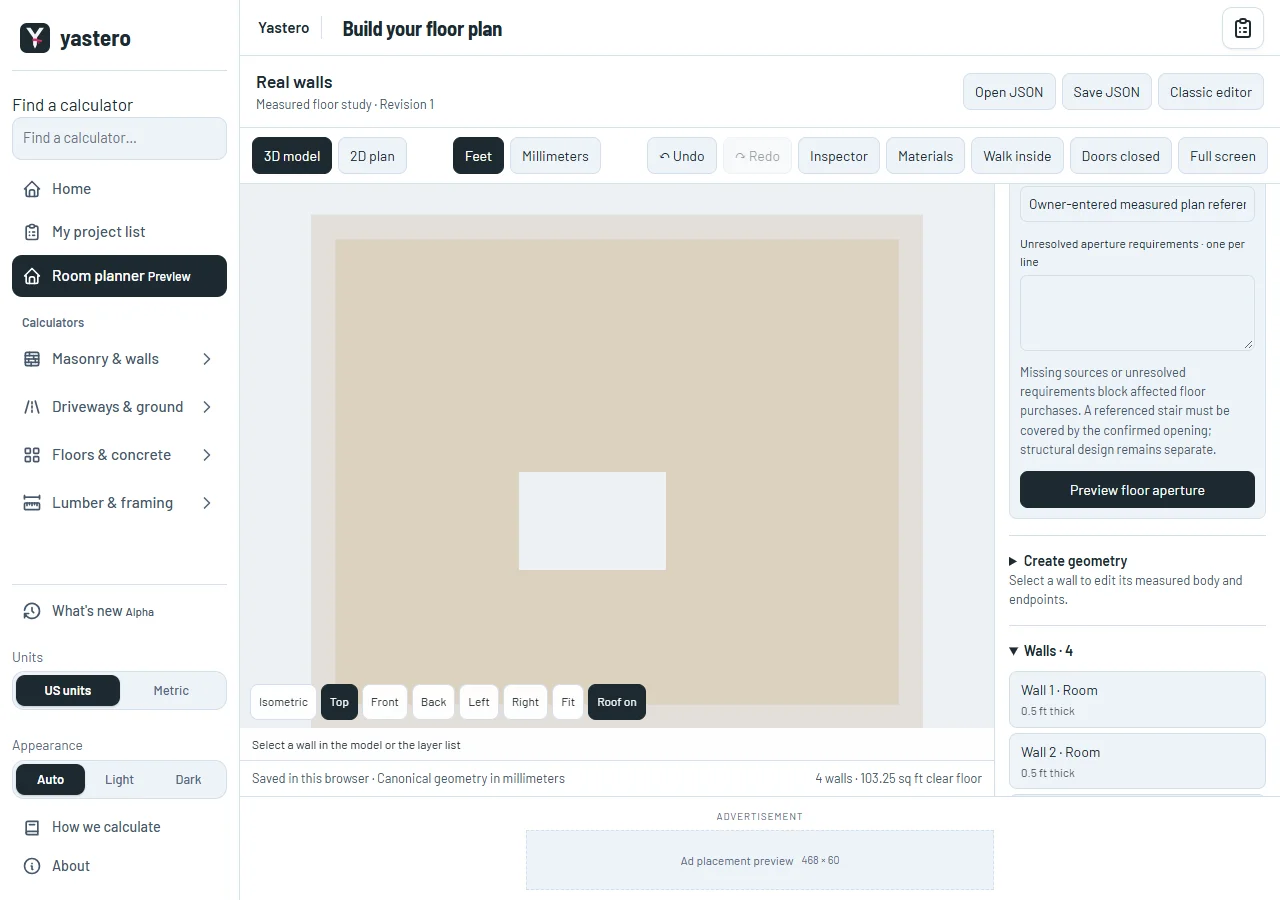
An opening with its own measurements
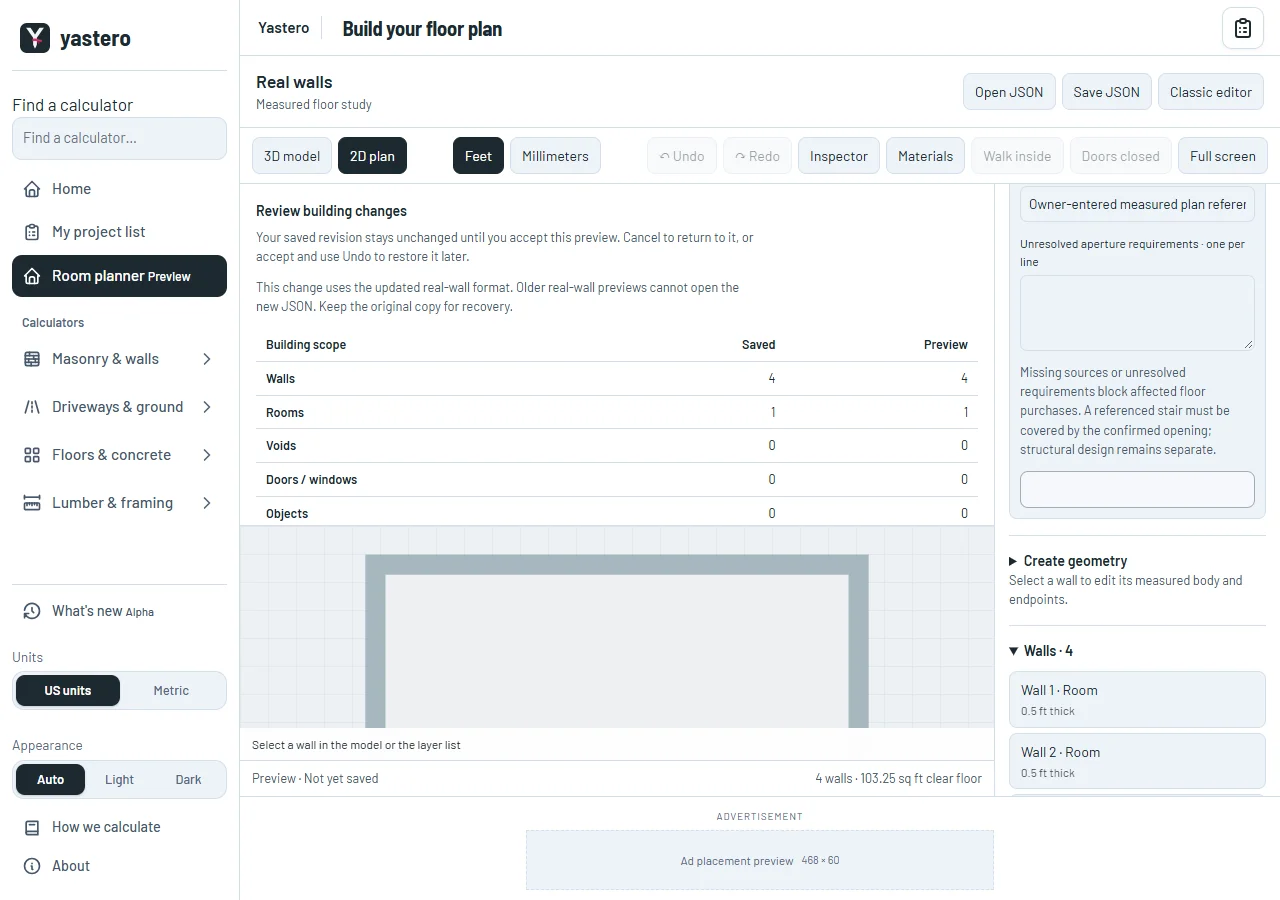
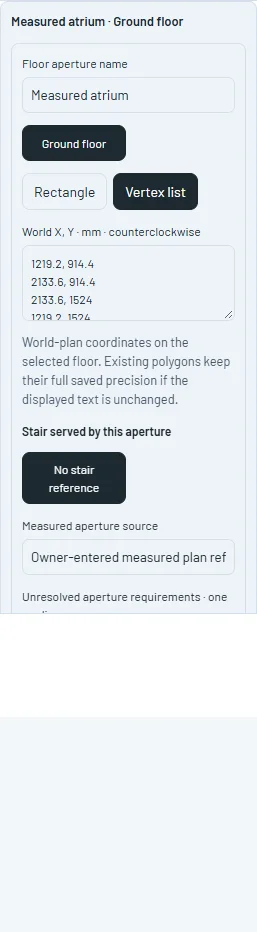
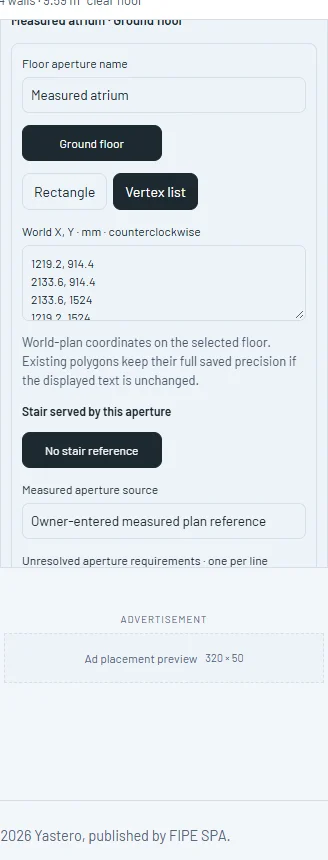
Floor apertures have persistent identities and world-plan coordinates in feet or millimeters. Review the outline and scope before accepting, then use Undo or Redo to restore the complete revision.
The same measured polygon cuts the displayed floor, finish regions and clear floor coverage. Overlapping apertures are unioned before area deduction, so they are counted once. Wall volume remains unchanged.
A stair footprint is not automatically treated as a structural floor opening. A confirmed opening must explicitly reference and cover the stair’s relevant floor area, with a recorded source and no pending aperture requirements, before the dependent purchase estimate is released. Structural trimming and installation design remain separate.
Native engine 4.2 declares aperture support. Older readers reject this version instead of silently filling the hole; prior 4.0 and 4.1 documents still open.
Floors, identities and recovery
Building floors accepts explicit elevations and story heights. The plan isolates the selected floor, and an empty floor offers a usable state before you add geometry. The 3D overview retains the complete building.
Walking starts on the selected floor. Navigation stays on that floor and guards measured apertures; this does not add a physical railing or certify an opening.
Split or merge wall offers reviewable stations and aligned neighbors. Circular edits retain analytic axes, rehost dependent openings and finish zones, and record lineage. A preview with no actual change creates no false revision.
The real-wall workspace remains an opt-in route, with its own native JSON, transactional browser storage and recovery flow.
A closer look
This milestone was documented on October 25, 2026 and added to the public history on October 25, 2026 at 8:20 AM GMT-3. Screenshots show the development state at the time. About this alpha history.