Review AI suggestions on your real-wall model
Copy the active building to your AI, review its proposed changes in 3D and accept them as one saved transaction. Keep an activity list with an Undo for each AI session.
Review AI changes on real walls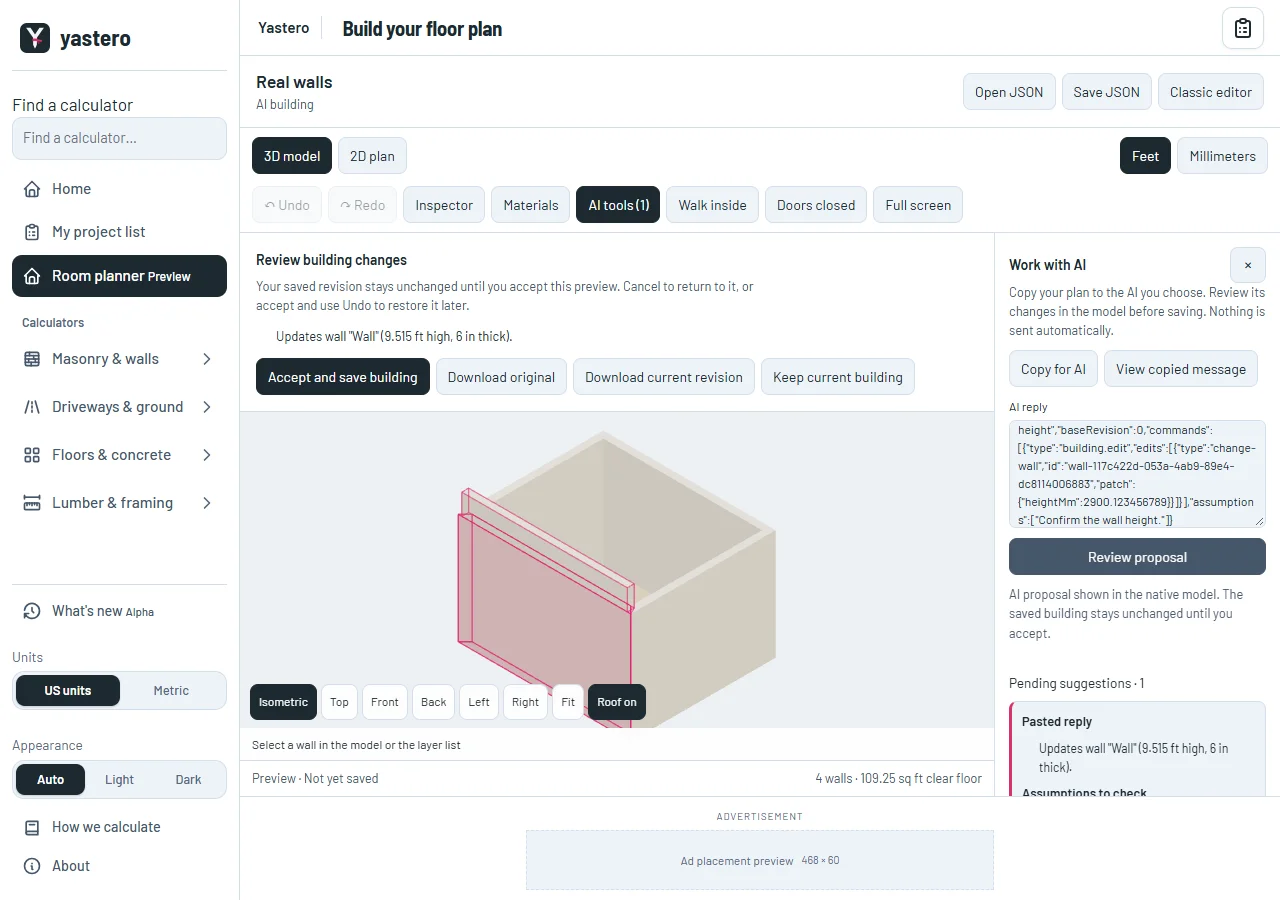
Your building, with a review first
Open AI tools in the opt-in real-wall workspace. Copy for AI includes the confirmed building, revision and commands supported by that editor. Paste a native command reply, then review the proposed geometry before accepting. Nothing is sent to an external AI automatically.
Native measurements retain their exact millimeter values. Commands can create room geometry, edit physical walls and openings, and update supported detail records. Every transaction validates geometry, measurements and the display before requesting a durable save.
Suggestions, the saved model and activity remain distinct. An interrupted or failed save leaves the confirmed building intact. A conflicting later edit blocks an unsafe AI Undo instead of overwriting it.
Connections and material scope
The local bridge and browser tools use the active editor’s capabilities. A connection is bound to one building and is revoked when the editor or project changes. Suggestions are the default; direct editing requires the permission chosen in the panel.
Estimate materials reads entered coverage recipes from the confirmed model, including their source, allowance and unresolved requirements. It does not infer structural pieces, product yields, live prices or availability.
The real-wall workspace remains opt-in while its interface is brought into parity with the classic editor. Local bridge support does not imply a hosted connector or a verified Claude Desktop installation.
A closer look
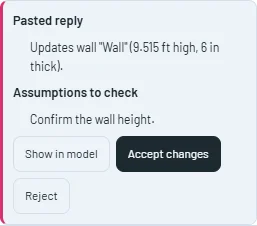
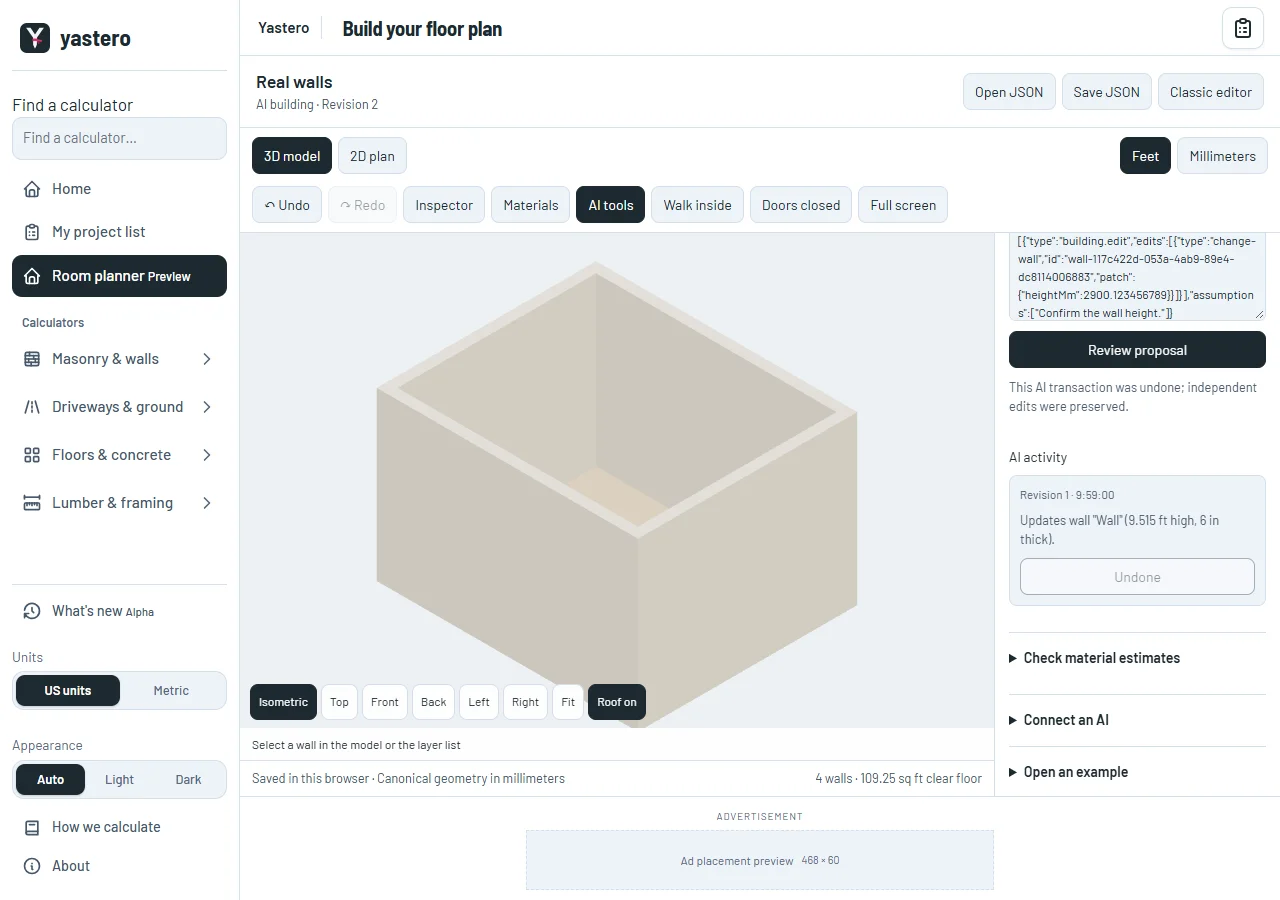

This milestone was documented on October 25, 2026 and added to the public history on October 25, 2026 at 10:00 AM GMT-3. Screenshots show the development state at the time. About this alpha history.