Find roofs in Layers and see your active selection
Each saved roof now appears in Layers. Select a roof to open its settings and keep a visible highlight on the element you are editing.
Explore Layers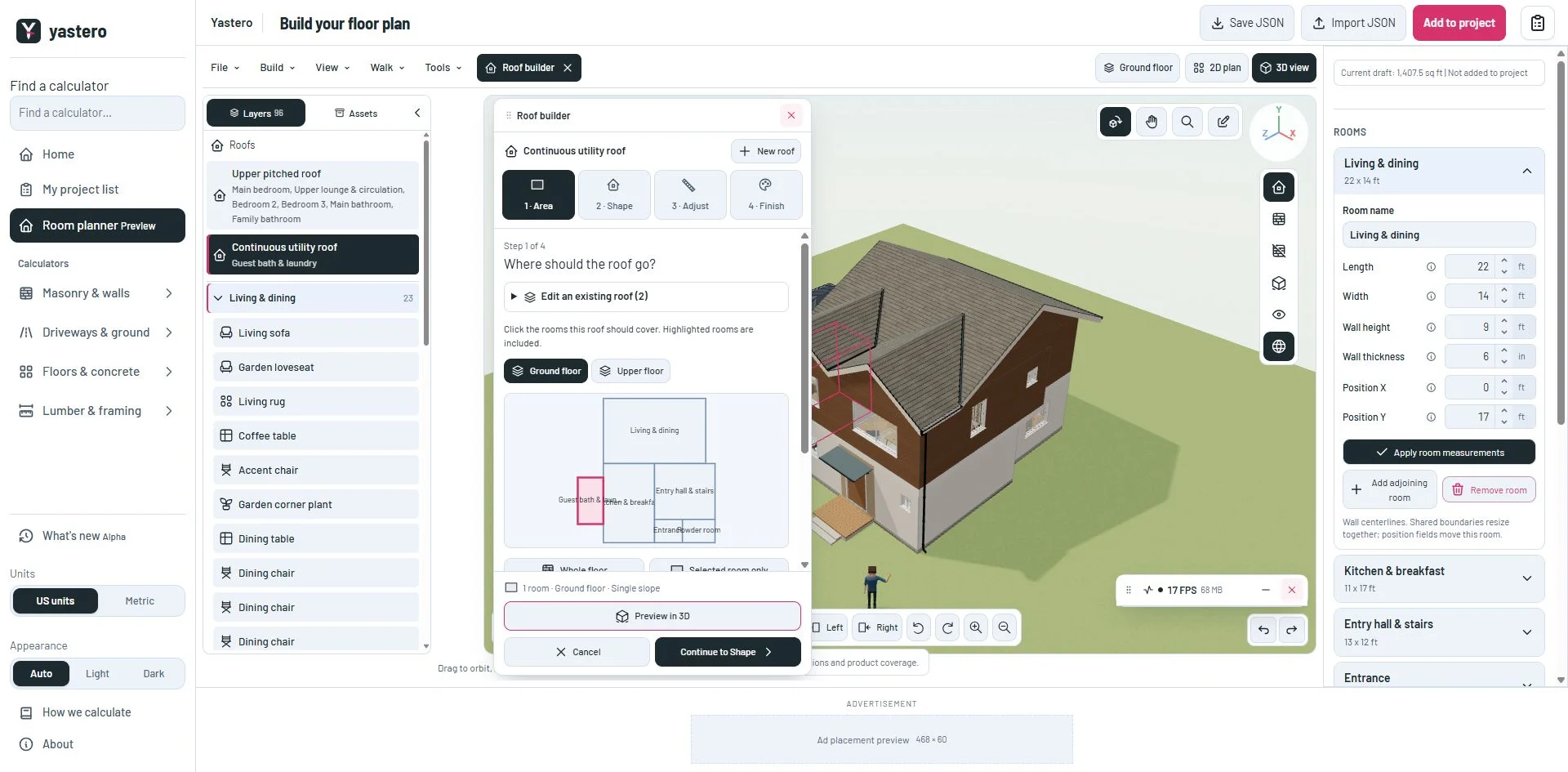
One editing target
Roofs appear once in their own group, with the rooms they cover. Selecting a row opens that exact roof in Roof builder; switching roofs discards its unsaved preview without changing the saved model.
Selected layer rows have a dark background and accent edge. The 3D view keeps a selection outline even while the camera is in Orbit mode. Roof geometry is edited through Roof builder rather than furniture transform handles.
This milestone was documented on October 24, 2026 and added to the public history on October 24, 2026 at 2:46 AM GMT-3. Screenshots show the development state at the time. About this alpha history.