A clearer workspace on phones and smaller screens
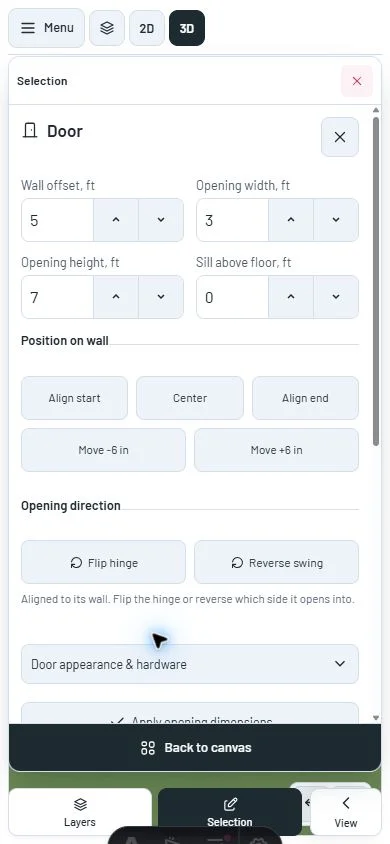
Edit in one readable sheet at a time, return to the canvas and resume tools without losing your place. Property forms use consistent field sizes and separated option groups.
Open the room planner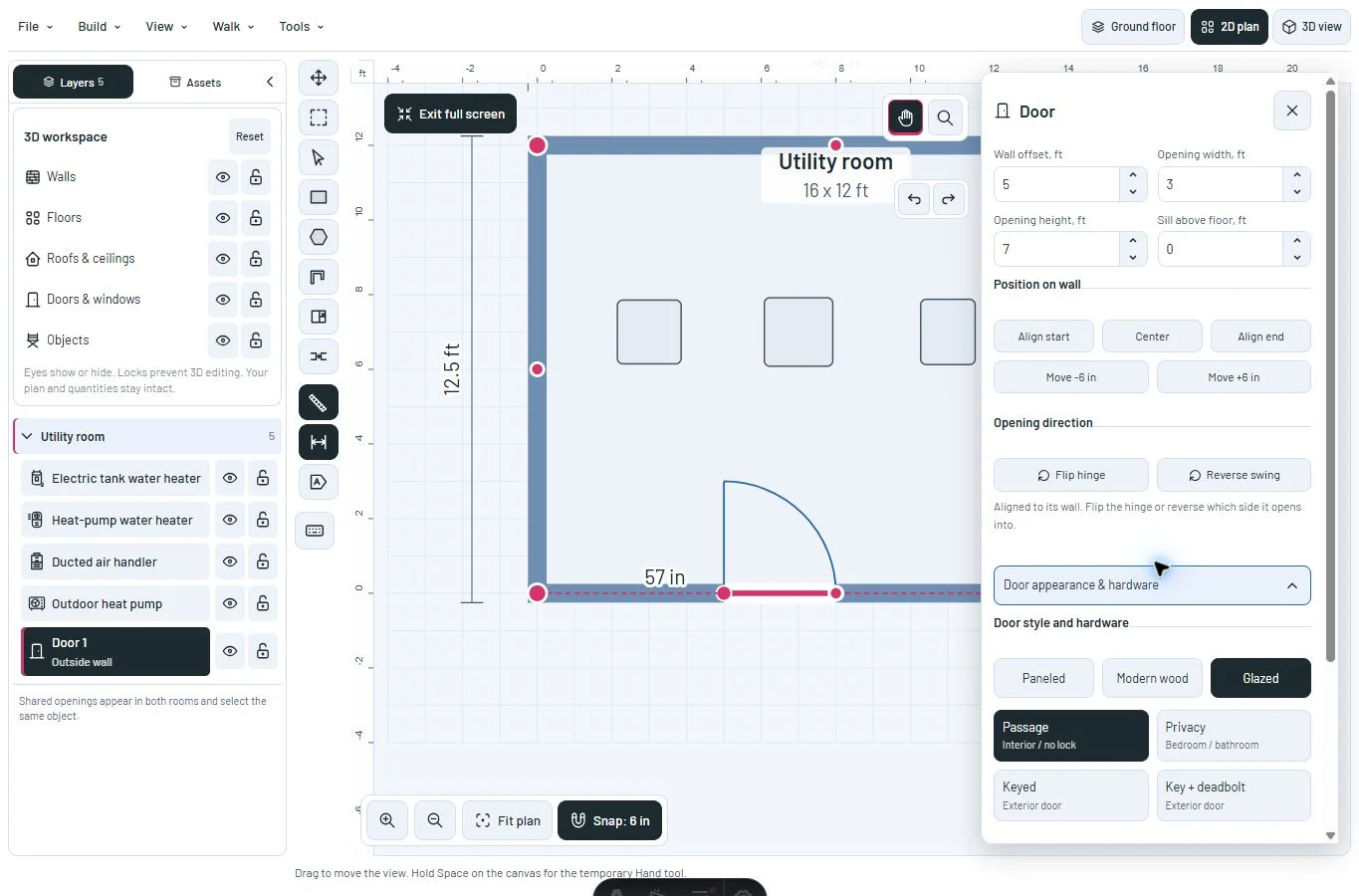
Leave room to work
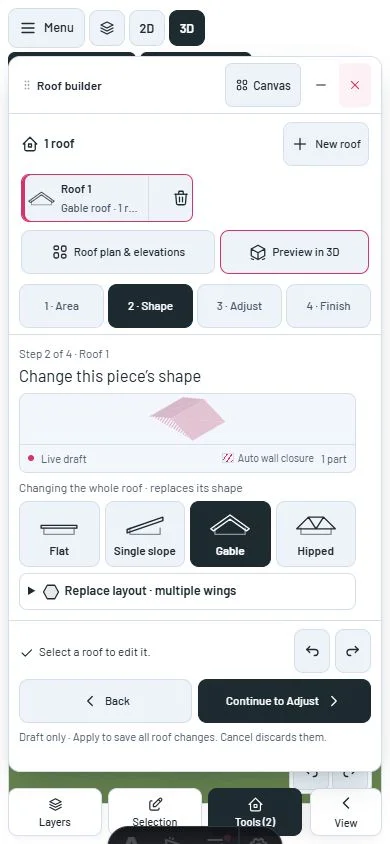
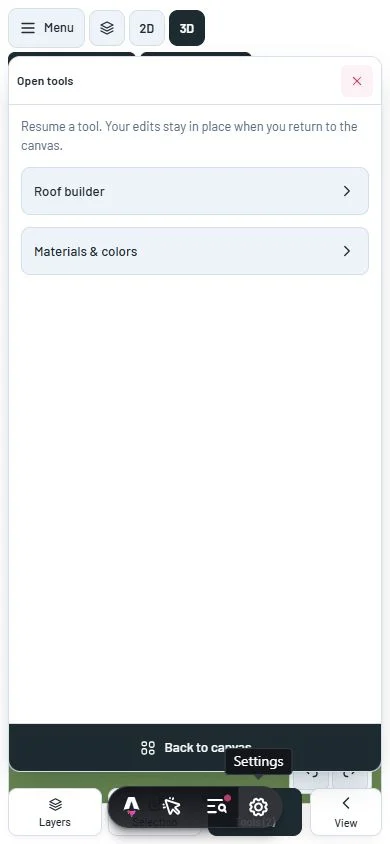
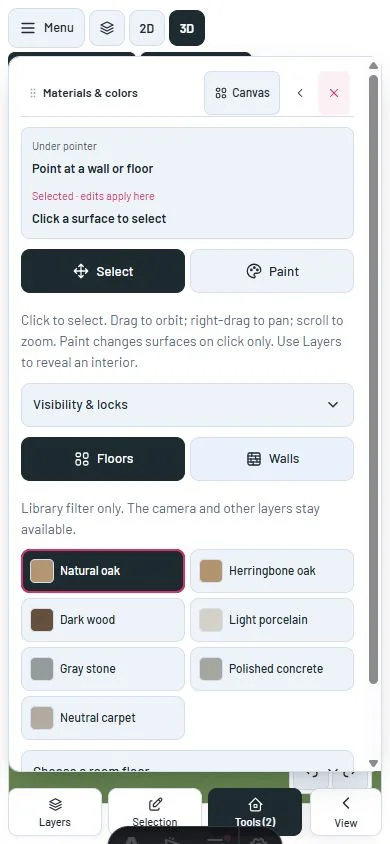
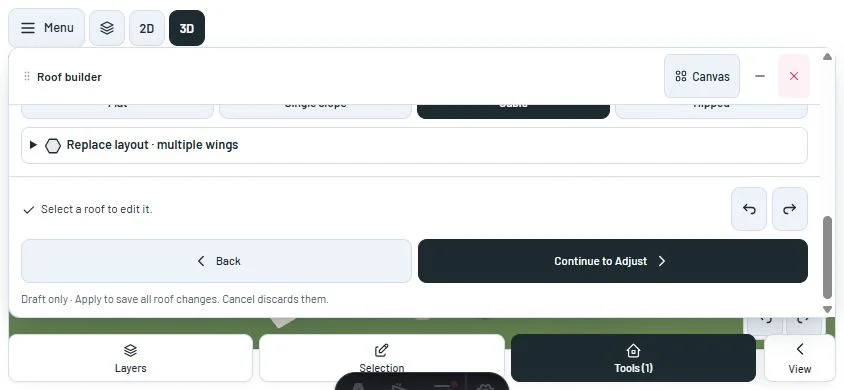
Phone and compact tablet layouts use one active sheet at a time. Canvas minimizes a feature tool; Tools resumes it with its draft and current step. Layers, selection, camera controls and the main menu coordinate rather than stacking over each other.
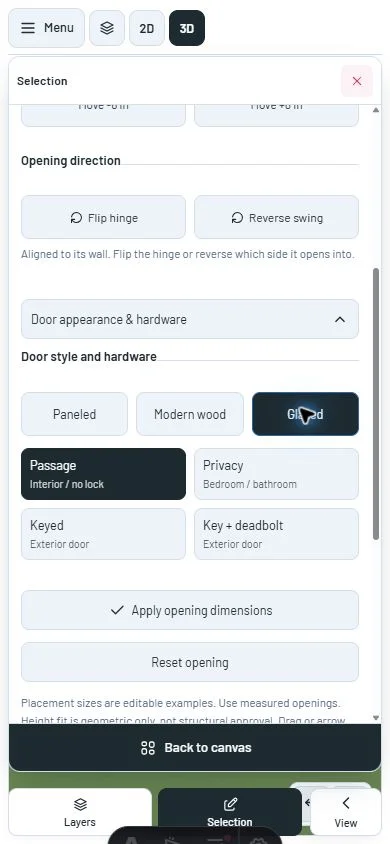
Sheets follow the visible viewport, with bounded scrolling and reachable close or Canvas actions. Short landscape screens scroll the complete feature tool. Music and resource overlays stay out of the way while a sheet or menu is open.
Choosing an asset by tap returns to the canvas for placement. Drag placement remains available.
Edit without a wall of controls
Opening dimensions and direction come before the expandable appearance section. Style buttons and hardware groups have visible gaps. Furniture style and support options can also be folded.
More properties expands the same furniture inspector. There is no duplicate advanced form below the canvas, and switching between quick inch dimensions and full foot dimensions updates the visible values.
On desktop, the plan inspector scrolls independently. Camera and history controls move beside it to keep fields and the close action clear.
A closer look
This milestone was documented on October 24, 2026 and added to the public history on October 24, 2026 at 5:20 PM GMT-3. Screenshots show the development state at the time. About this alpha history.