Fold camera controls away while you work
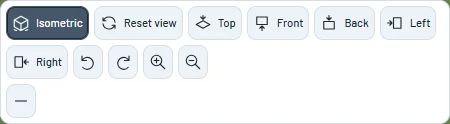
Hide the camera bar behind a small Views tab, then reopen the same controls without changing your camera.
Fold the camera bar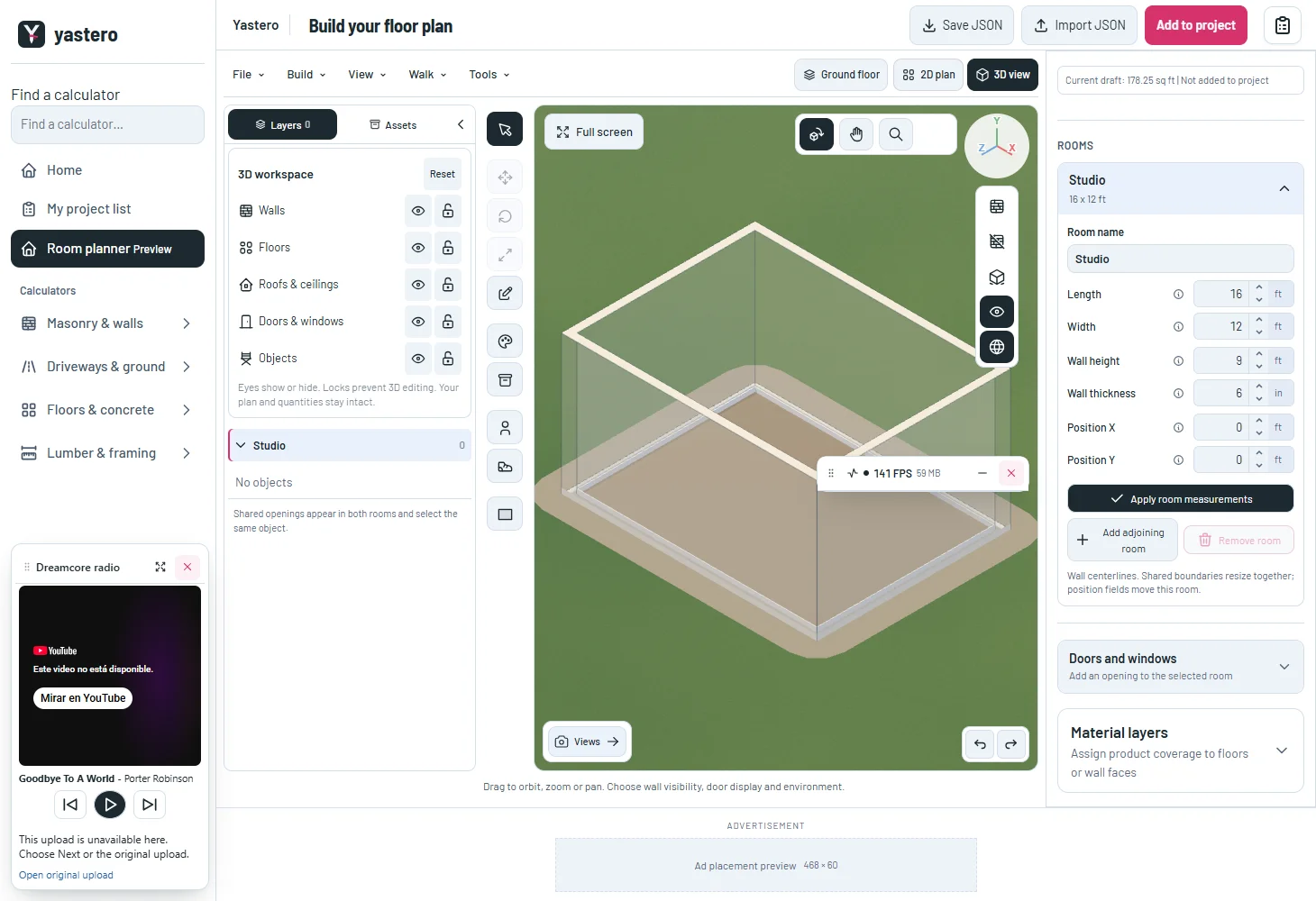
More room for the model
The fold control works in both the classic and opt-in real-wall editors. It changes the toolbar presentation, not saved geometry or history.
Hidden camera buttons leave keyboard navigation until the bar reopens. The tab exposes its expanded state and supports Enter and Space.
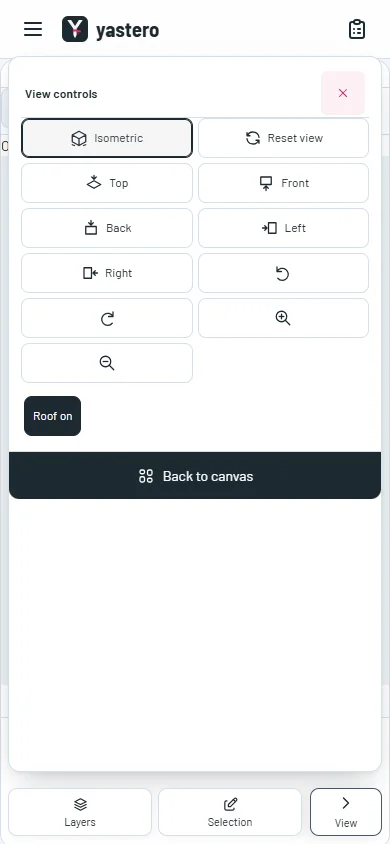
On a phone, use the existing View control to open or close camera tools; a desktop preference does not hide those controls.
A closer look

This milestone was documented on October 26, 2026 and added to the public history on October 26, 2026 at 6:18 AM GMT-3. Screenshots show the development state at the time. About this alpha history.