Move planner windows anywhere on your screen
Drag Roof builder, Resources and other floating tools beyond the 2D or 3D preview. Keep the model clear while the controls stay within reach.
Arrange your workspace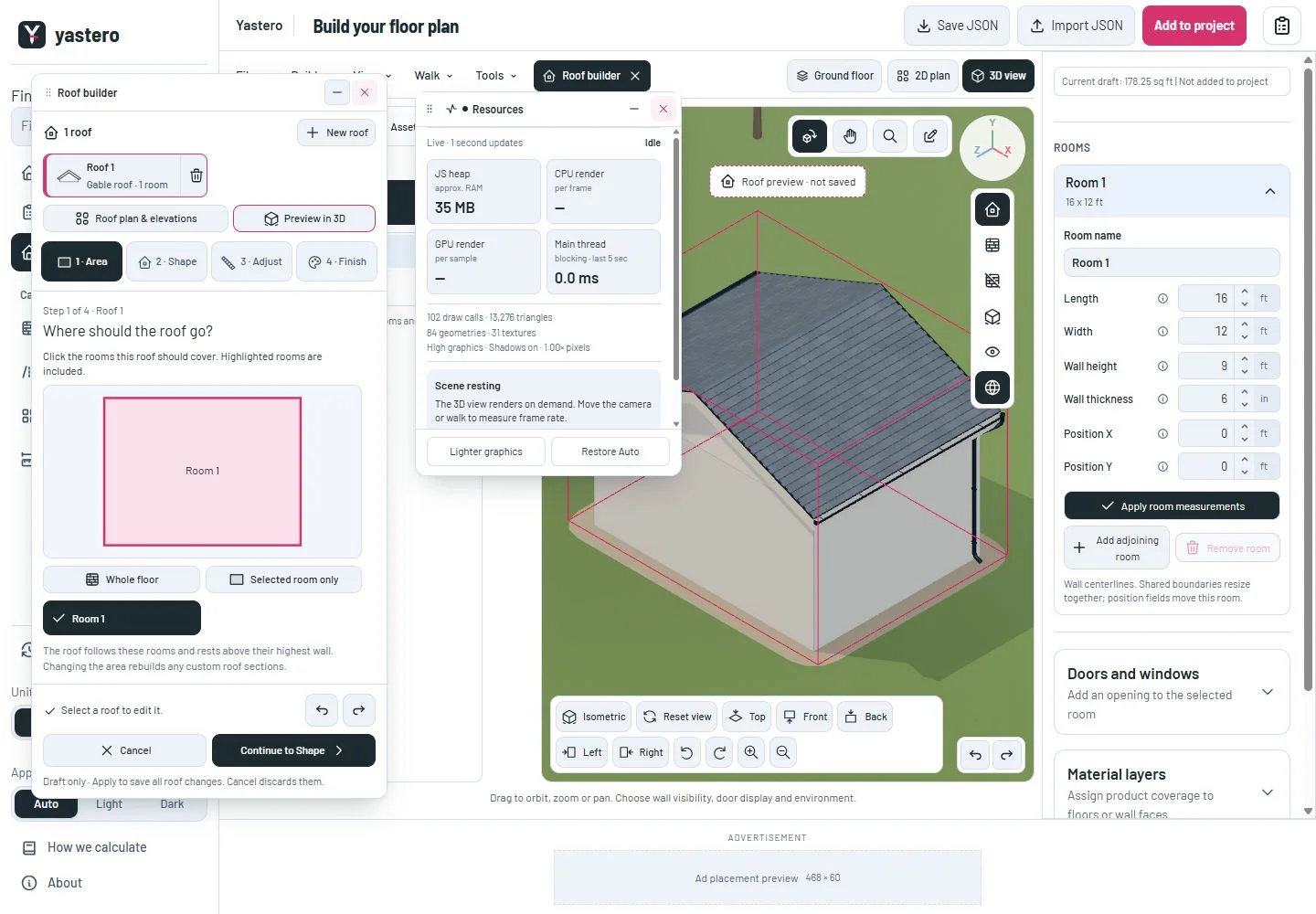
Keep your tools where you put them
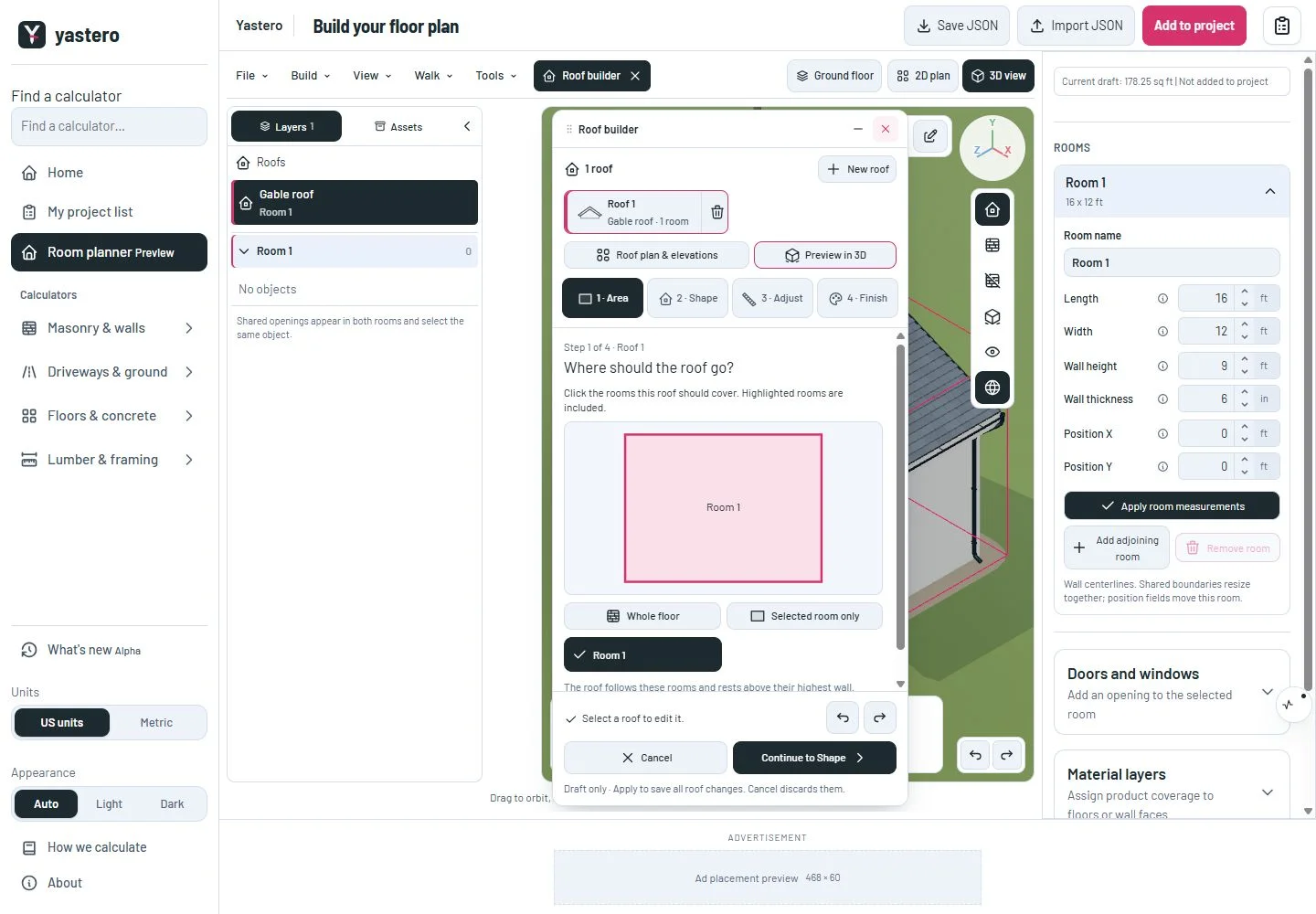
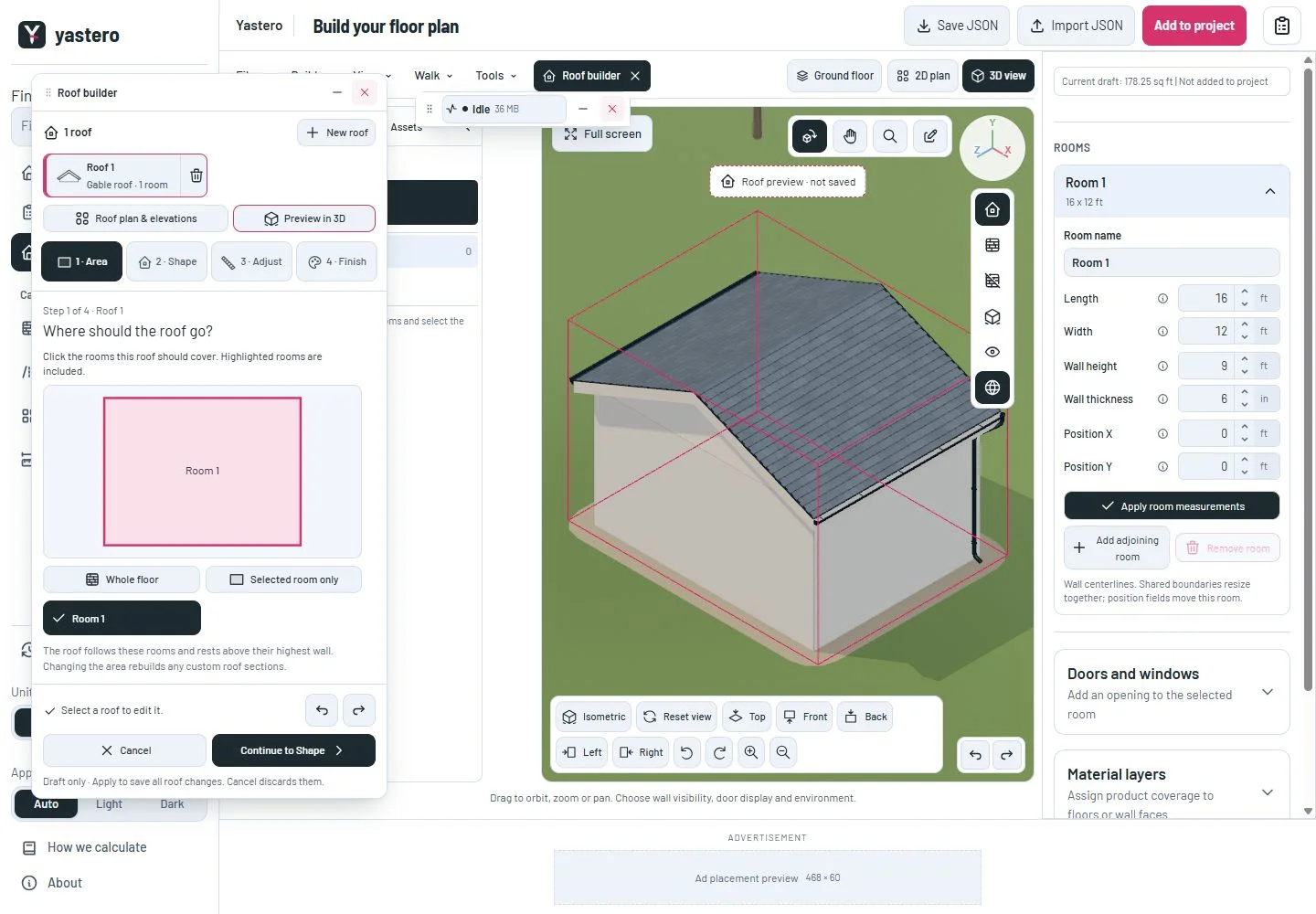
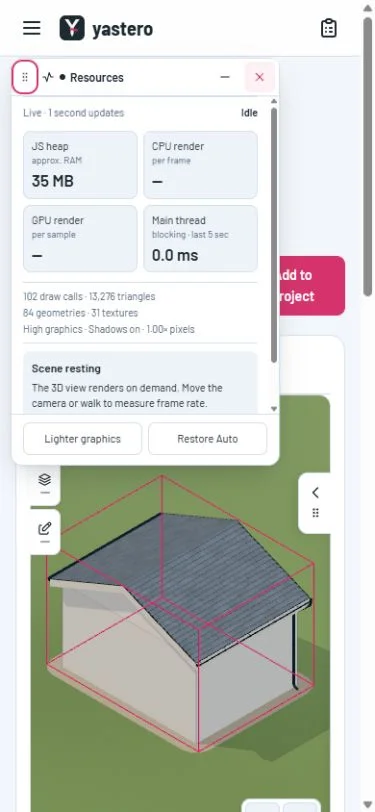
Drag a window by its title or grip to move it anywhere in the browser viewport, including over the page navigation. Roof builder, Resources, material tools and object controls share this behavior. The selected tool comes to the front when you use it.
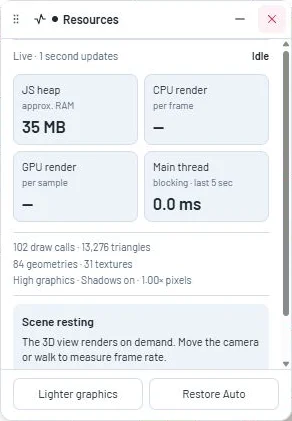
Resources keeps its requested screen location through bar, bubble and expanded views. Roof builder keeps its location when you fold its settings or switch in and out of the full-screen workspace. A window is only nudged when its larger size would cross the screen edge.
Focus the grip and use arrow keys to move by 10 pixels, or Shift + arrows for 40 pixels. Pointer and touch dragging remain available. Resizing the browser keeps the controls reachable; a moved window stays fixed while the page scrolls.
Mobile tools that belong to the workspace drawer stay docked there. Independent floating windows use the phone screen bounds. Use the existing close button when you are done. Window positions belong to the current workspace session; they are not saved with the building or restored after a page reload. Placement does not change the building or its measurements.
A closer look
This milestone was documented on October 24, 2026 and added to the public history on October 24, 2026 at 11:04 AM GMT-3. Screenshots show the development state at the time. About this alpha history.